
Crisis Mapping Tool: Real-Time Disaster Reporting for Communities
Map disasters and emergency situations such as floods, damage and road blockages.
Describe your project and we'll create a custom map for you.
What is a crisis map?
Crisis mapping software enables real-time disaster reporting during floods, storms, wildfires, and other emergencies. With CivicSpot's crisis mapping tool, anyone can document flooding, building damage, power outages, and road blockages on a shared map. Emergency managers, first responders, and relief organizations see the full picture as it unfolds.
Reports come in with photos, GPS locations, and timestamps. Teams see where flooding has reached, which roads are impassable, where people need help, and where aid is already available. The real-time disaster map updates as new reports arrive, giving coordinators a live operational picture without phone calls or spreadsheets.
The crisis mapping tool is used by NGOs, community organizations, municipal emergency services, and international relief operations. It works in low-connectivity environments, supports anonymous reporting for sensitive situations, and scales from a neighborhood flood to a regional disaster. AI-powered hazard detection flags critical reports automatically.
Who is this for?
Communities
Resident groups, school parents, neighbourhood initiatives collecting local data.
Organizations
NGOs, nonprofits, and research teams running participatory mapping projects.
Municipalities
City administrations and public agencies managing citizen reports at scale.
Use Cases
For emergency services
Get a real-time operational picture during floods, storms, or wildfires. See where reports cluster and where aid is needed most.
For NGOs and relief organizations
Coordinate disaster response across teams. Volunteers report from the ground, coordinators manage from the dashboard.
For communities
Neighbours help neighbours. Document damage, share aid offers, report blocked roads. No training needed.
Categories included
Common issues reported include road damage, broken streetlights, illegal dumping, graffiti, and more. Each category can be customized from your dashboard after setup.
What you get
Real-Time Updates
Every new report appears on the map immediately. Coordinators see the disaster as it unfolds, not hours later.
Anonymous Reporting
People in sensitive situations can submit reports without creating an account. No barriers to critical information.
Emergency Categories
Pre-configured categories for flooding, building damage, power outages, road blocks, missing persons, and aid offers.
AI Hazard Detection
Uploaded photos are analyzed automatically for severity and safety risks. Critical reports get flagged so responders prioritize correctly.
See it in action
From data collection to insights
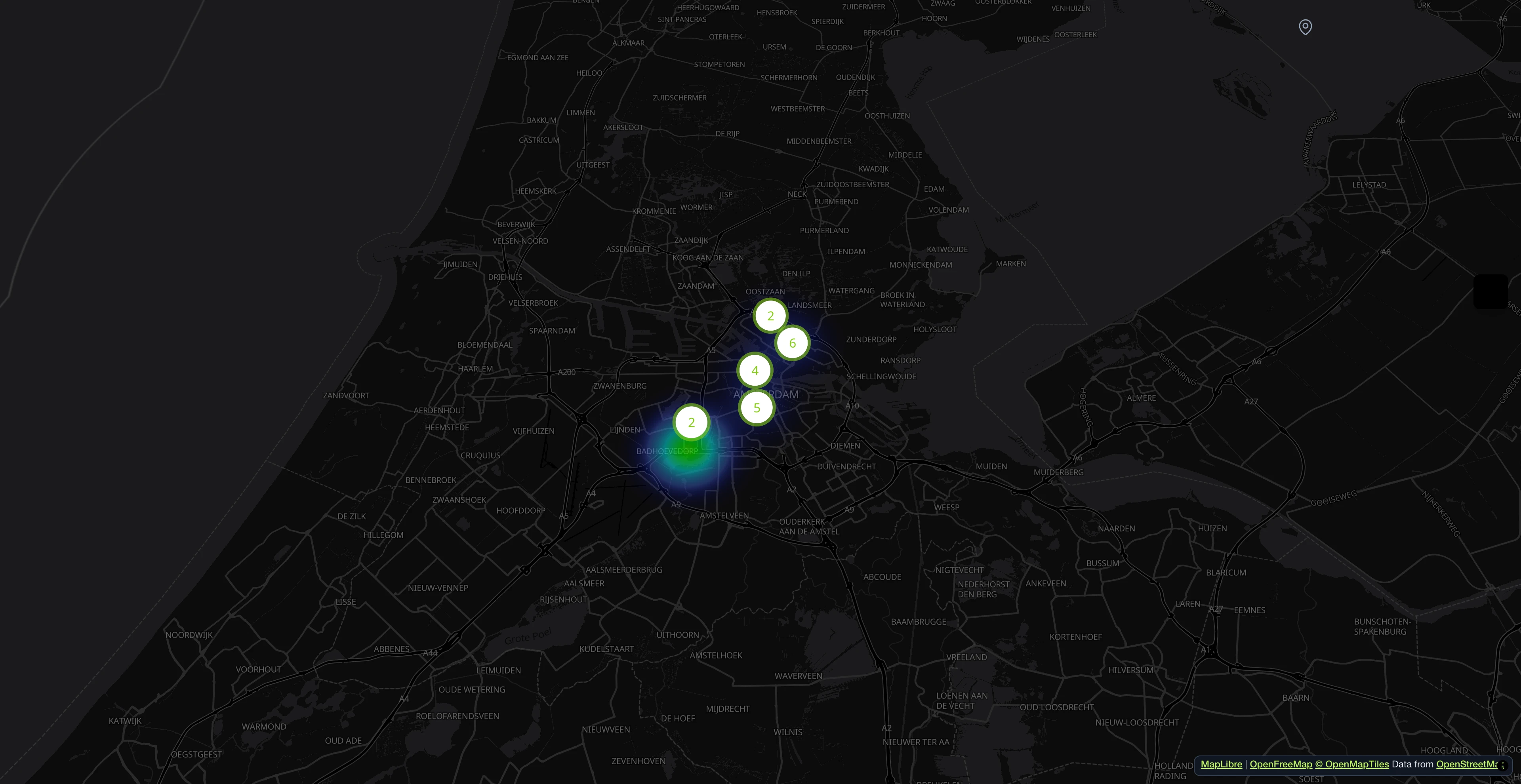
Contributors pin issues with photos and location. Markers cluster automatically and color-code by category.
Take a photo, AI does the rest
Citizens upload a photo. The AI identifies the category, drafts a description, and pre-fills attributes in real time. The reporter edits and sends.

Reports on an interactive map
Contributors pin issues with photos and location. Markers cluster automatically and color-code by category.

All reports at a glance
Search, filter, and sort all incoming reports. Assign departments, update statuses, and keep track of every issue from submission to resolution.

AI writes the report for you
Upload a photo, and the system generates a detailed description, extracts category attributes, and scores the hazard level. Edit before submitting.

AI-powered processing pipeline
Reports are indexed for duplicates, classified for hazard level, scored for sentiment, and auto-filled with category-specific attributes. All runs as a background batch.

Open311-compliant service catalog
Every category is served as an Open311 GeoReport v2 service with typed attributes, dropdown options and per-language labels. No vendor lock-in.

Everything in one dashboard
Track KPIs, manage reports, assign teams. AI analyzes photos for hazards and sentiment automatically.

- 1M+ reports since 2011
- Open Source
- Open311 GeoReport v2
- EU-hosted
Try it live:demo.mark-a-spot.com/amsterdam
Need facility management, custom WMS layers, structured data fields per workflow status, or multi-district and multi-city setups? Explore the full platform atmark-a-spot.com
Start your CrisisMap
Describe your project and our AI will configure the perfect workspace for you.